The discharge bundle
Twelve pages, handed over on the day of surgery, read once and lost by day three. The instruction that matters on day five is in there somewhere.
FOR SURGICAL PRACTICES
Turn the instructions you already give into a day-by-day guide on your patient’s phone. Keep your words, your judgement and gain a clearer view of their recovery.
Built by a practising Australian surgeon.
EXAMPLE SURGICAL PRACTICE
Skin Cancer Procedure
The early days.
In the acute recovery phase you'll take it easy and relax at home.
No tasks marked complete for this day.
Practice contact details are not connected in this demonstration.
Not answered. Nothing is sent.
Not answered. Nothing is sent.
Authored pathway · draft v2 · demonstration only
A LOOK INSIDE THE PATIENT EXPERIENCE
THE SPACE BETWEEN APPOINTMENTS
Twelve pages, handed over on the day of surgery, read once and lost by day three. The instruction that matters on day five is in there somewhere.
Is swelling normal? Can I shower yet? When does the dressing come off? Answered by whoever picks up the phone, not in your words.
Between discharge and the first appointment, the practice sees nothing. Whether a patient is on track, or has stopped reading, is a guess until they walk in.
WHAT CHANGES
A PATIENT’S DAY
The patient opens their guide to today’s tasks. Your instructions, expectations and contact advice sit together, and earlier days stay there to revisit.
The aim is fewer “when do I / is this normal?” calls, because the answer is already on the page for that day, alongside a clear way to reach the practice when it is not.
Try the day controls and tick a task from Dr James Doherty’s Skin Cancer Procedure. (The patient app is simplified here for demonstration.)
Explore the patient experienceEXAMPLE SURGICAL PRACTICE
Skin Cancer Procedure
The early days.
In the acute recovery phase you'll take it easy and relax at home.
No tasks marked complete for this day.
Practice contact details are not connected in this demonstration.
Not answered. Nothing is sent.
Not answered. Nothing is sent.
Authored pathway · draft v2 · demonstration only
Explore the days
From Dr James Doherty’s Skin Cancer Procedure, draft v2. Day ranges and wording follow the authored pathway; this is a product demonstration, not individual care instructions.
YOUR PATHWAY, YOUR WORDS
Build a pathway from the advice you already give. Use single days early on and ranges later. When you update to a new version, patients already on the old one stay there until you move them.
Five items from Dr James Doherty’s authored pathway. Select a card and use “Place selected card”, or drag it to a column. Moving a card changes only this demonstration.
PATIENT PREVIEW
rycova.Spare loose clothes. Pyjamas if staying the night. Phone Charger Something to read while waiting.
Choose a card, then choose its day.
A small working example of the board. Choose a card, place it on a day and see the patient preview change.
THE PRACTICE VIEW
A practice view organised by recovery day brings patient-reported information together. Open a record to see the detail behind a flag.
Flags appear when you open the caseload, and your team decides what they mean and when to look. rycova does not provide real-time clinical alerts or triage.
See how the caseload works| Patient | Day | Recorded progress |
|---|---|---|
| Taylor ExampleSkin Cancer Procedure | 1 | |
| Morgan SampleSkin Cancer Procedure | 5 | |
| Casey ExampleSkin Cancer Procedure | 3 | |
| Riley SampleSkin Cancer Procedure | 5 |
Flags are passive and not intended to replace your clinical escalation pathways.
AI, CAREFULLY
Upload the protocols your practice already has and rycova drafts a pathway from them, with the source beside every item. Nothing clinical is published until a clinician has reviewed. Manual authoring is always there.
How we use AISelect the practice documents to use. Supply your protocols.
AI organises the material into pathway items, each with a reference to where it came from.
Check the wording, placement and source. Resolve any question before a clinician publishes.
SECURITY & PRIVACY
Every practice’s records are kept apart from every other’s inside the database. Staff act within defined assigned roles, and the actions that matter are recorded with an auditable log. The application and its data are hosted in Australia, with the primary servers in Sydney. AI runs privately in Australia (Sydney and Melbourne). Your content is not used to train AI models, and request logging at the AI service is switched off.
Explore the data boundaries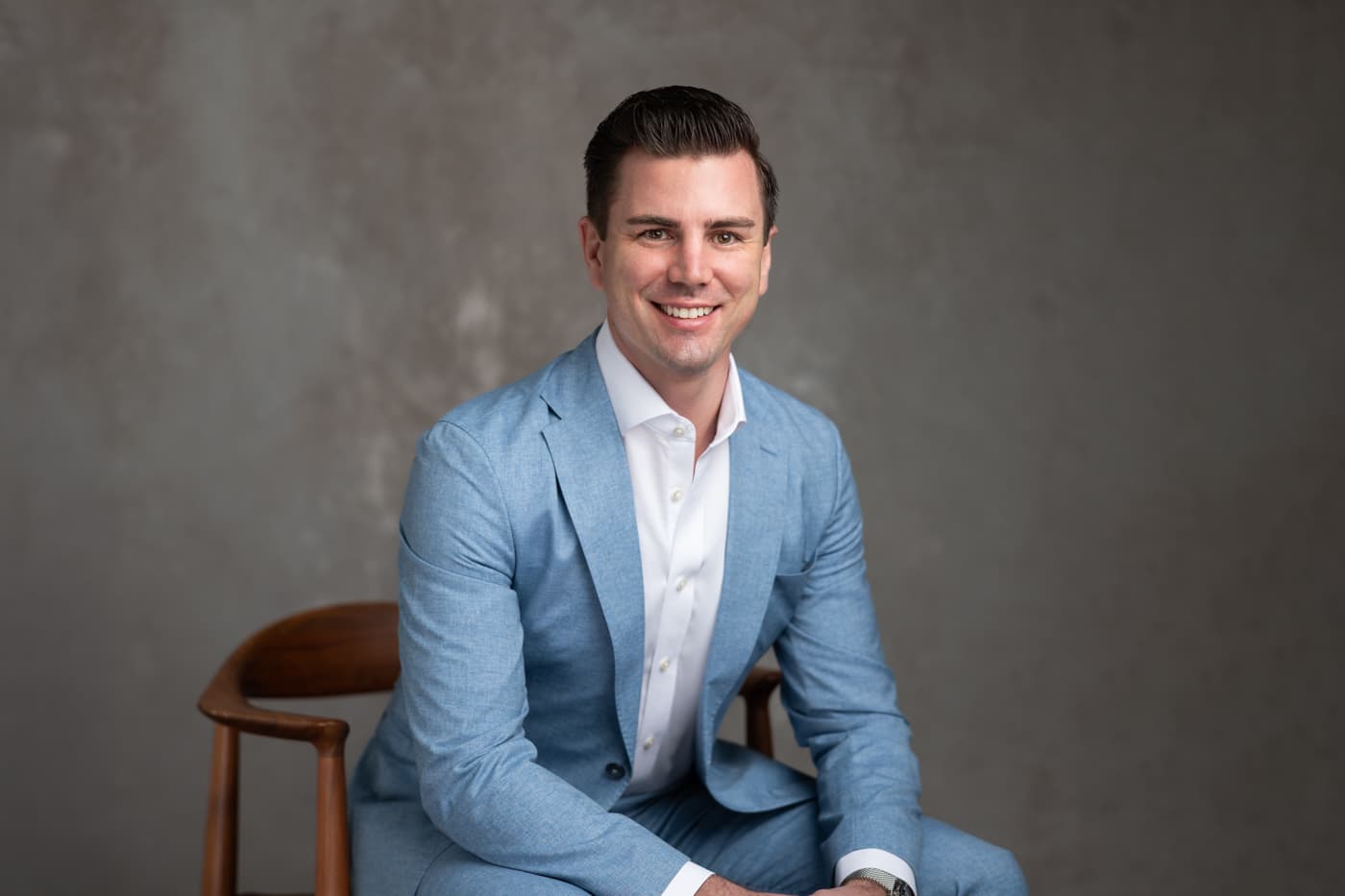
BUILT BY A SURGEON
Built by Dr James Doherty FRACS, a practising Australian surgeon, rycova puts a surgeon’s own instructions at the centre of the recovery experience.
The aim is a clearer place for recovery instructions, with clinical judgement staying where it belongs: with the treating team.
Meet the founderA MANAGEABLE FIRST STEP
Choose one operation. Start with the material your practice already uses, and author it by hand or from a reviewed AI draft.
A clinician checks and publishes the pathway. Your team adds the patient, their surgery date and sends the invitation.
Start with a small group of patients, review recorded progress through your practice’s own routine, and tell us what to change.
Your practice does. You can author a pathway directly or let AI organise selected practice documents into a draft. A clinician must always review and publishes the final content.
Your practice decides who reviews recorded progress and when. rycova does not provide a monitored clinical inbox or a real-time escalation service.
No. Pathways can be authored entirely by hand, and the practice owner can turn AI processing off.
An invitation from your practice, access to their email and a web browser on their phone. There is no app-store download.
Early access opens in waves. Founding pricing and terms are shared before you sign up. Joining the waitlist opens no account, starts no trial and creates no subscription.
Your advice. Ready for the day it matters.
Join the founding-practice waitlist